
Preview and share the book
When is the book created?
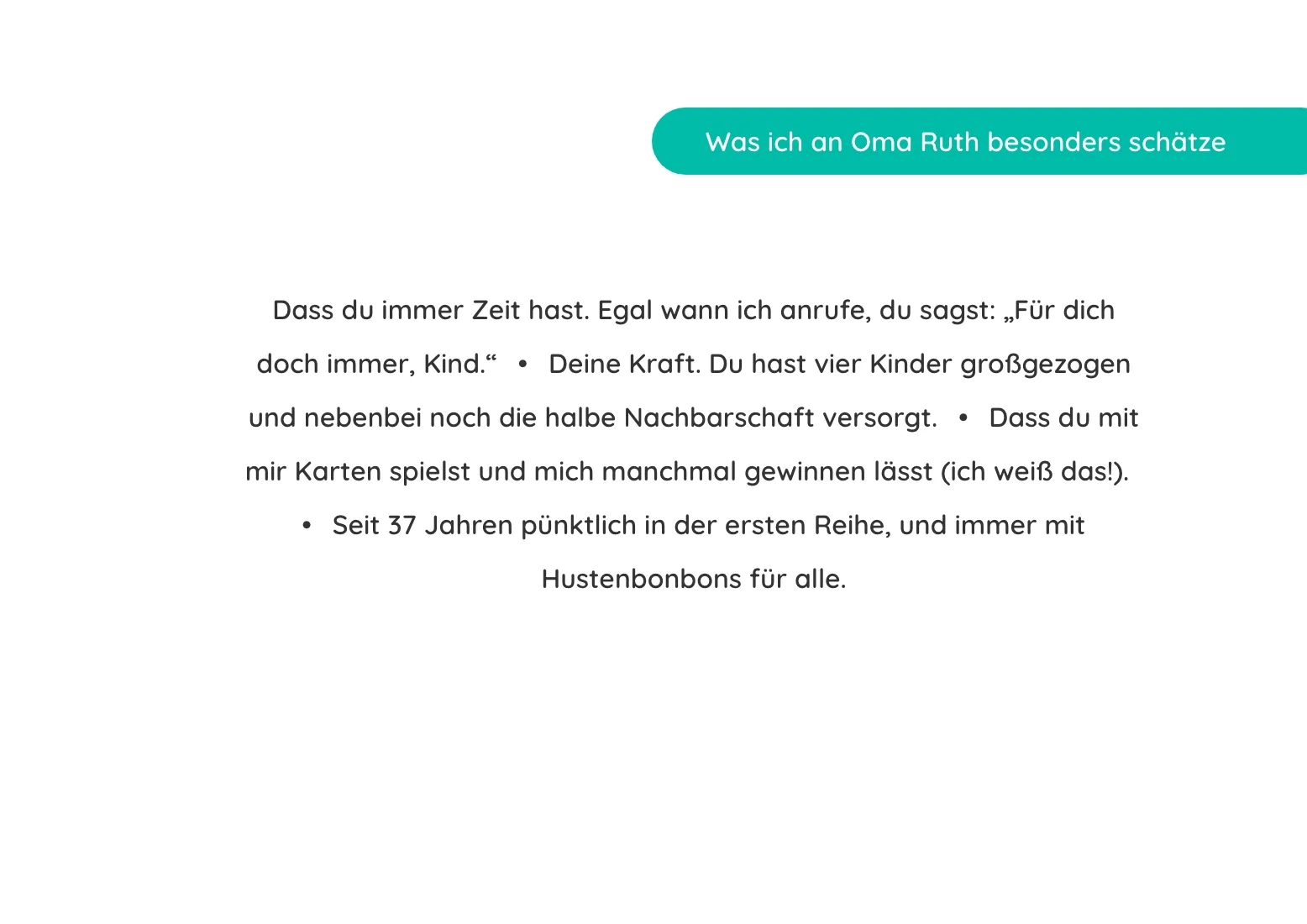
Right away, automatically. With every new contribution ambrosius.ai rearranges the pages. Texts, quotes and photos each get their own layout. You don't need to crop or move anything.
How do I open the preview?
In step 5, click Open full preview. The preview shows every page of the book with some of the answers. The page tells you what's still to come, for example "+3 more answers in the booklet". The whole book with every answer comes as a PDF or in print.
I don't like the arrangement. What can I do?
Click Regenerate layout in the preview. The pages get reshuffled. You can do this as often as you like.
How do I show the book to others?
With a preview link. Anyone who has it can view the book but can't change anything. You create the link in step 5, next to your book. Click Stop sharing and it stops working immediately.
You need to be logged in to share a preview link.
How is that different from the team link?
The preview link shows the book. The team link only shows progress: forms and the number of contributions. It's meant for the people organising with you. More in Share the form.